Project Management Spreadsheet, Gantt Chart Task Tracker, Team Workload Planner, Project Planner, Task List, Excel Google Sheets
$4.99 USD
Buy on EtsyInstant digital download for Microsoft Excel and Google Sheets. Checkout and delivery are handled securely by Etsy.
Project Management Spreadsheet for Microsoft Excel and Google Sheets, instant digital download. Plan every project, task and deadline in one file, with a Gantt-style timeline and a dashboard that flags what's late. Perfect for small teams and agencies.
✨ NOW INCLUDES 4 FILES: Excel + Google Sheets, each in a SAMPLE version (filled in so you can see exactly how it works) and a BLANK version (cleared and ready for your own info).
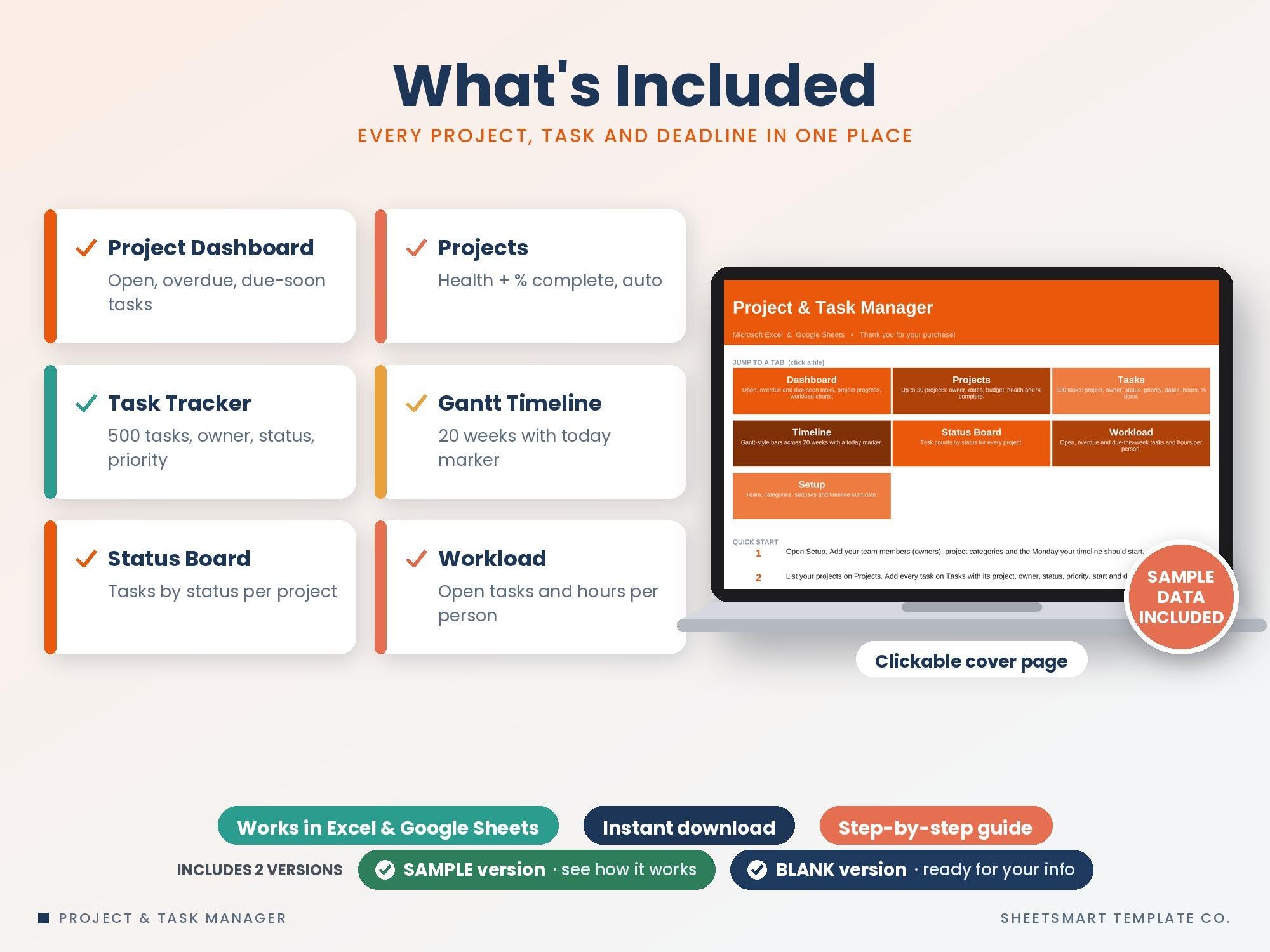
★ WHAT'S INCLUDED ★
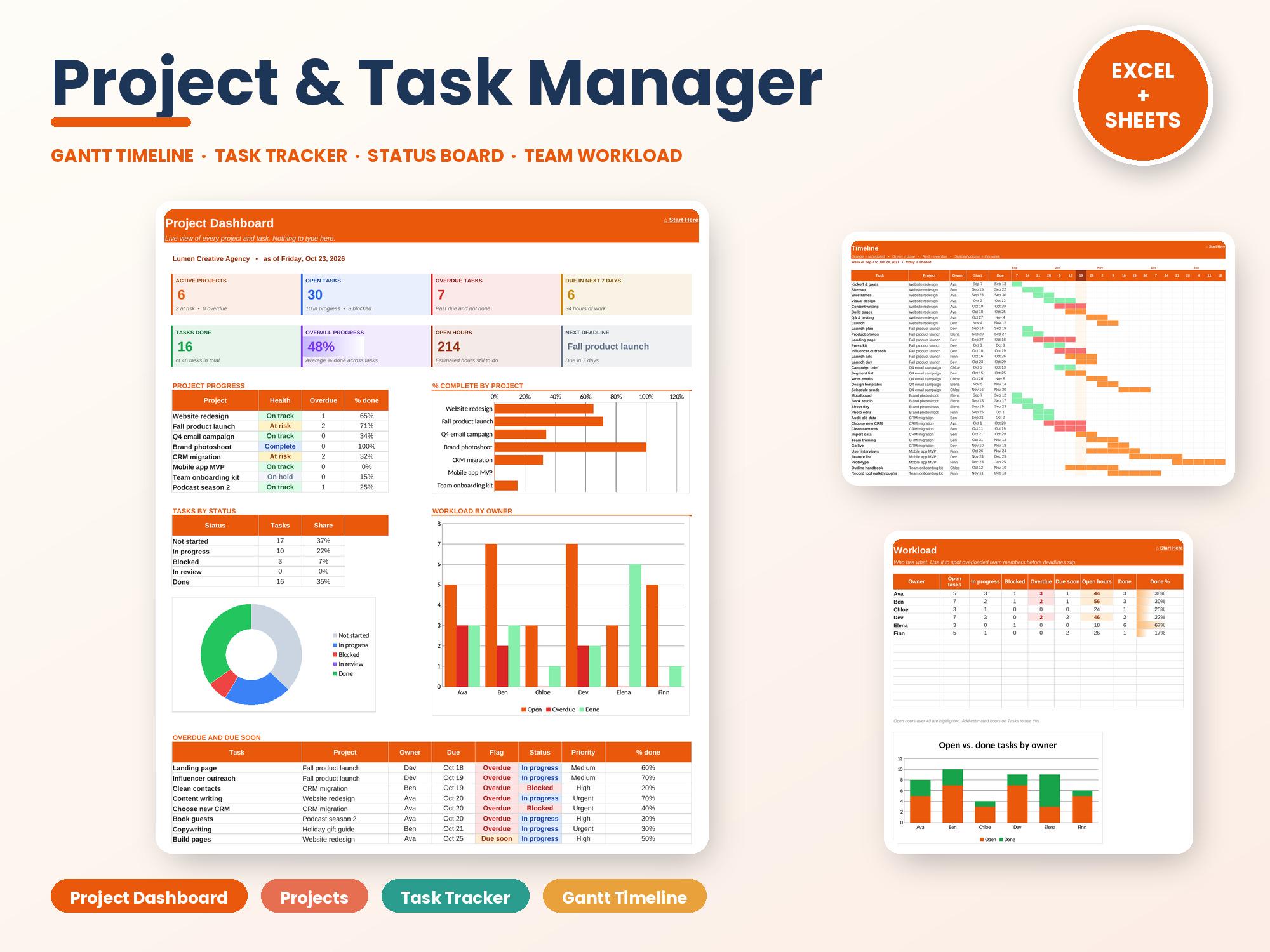
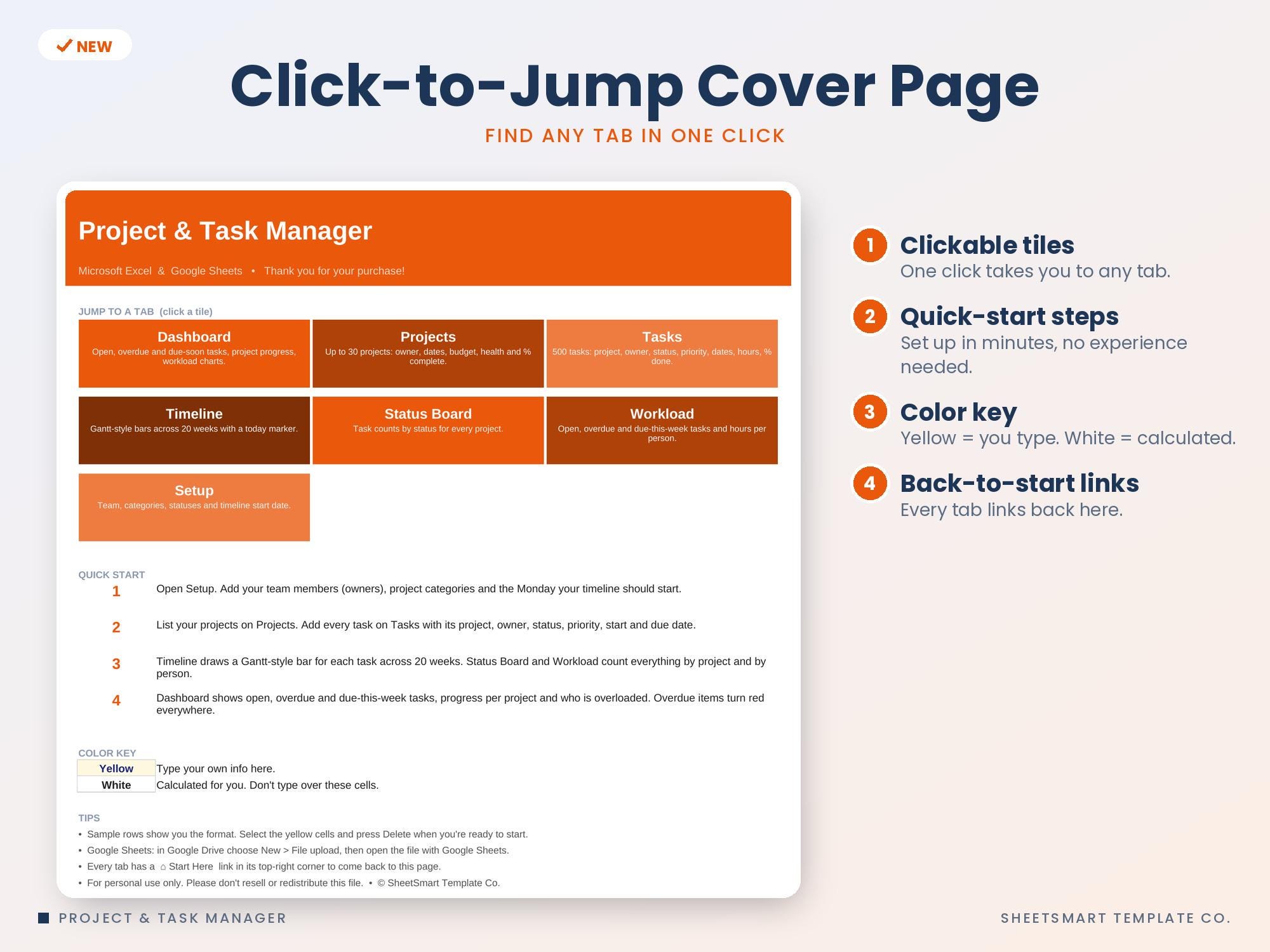
• Project Dashboard: active projects, open, overdue and due-soon tasks, overall progress, open hours, next deadline, project health table, overdue list and 3 charts
• Projects (30 rows): category, lead, status, priority, dates, budget, task counts, overdue tasks, days left, health (On track / At risk / Overdue) and % complete bars
• Tasks (500 rows): project, owner, status, priority, start and due dates, estimated hours, days left, Overdue / Due soon flags, % done bars
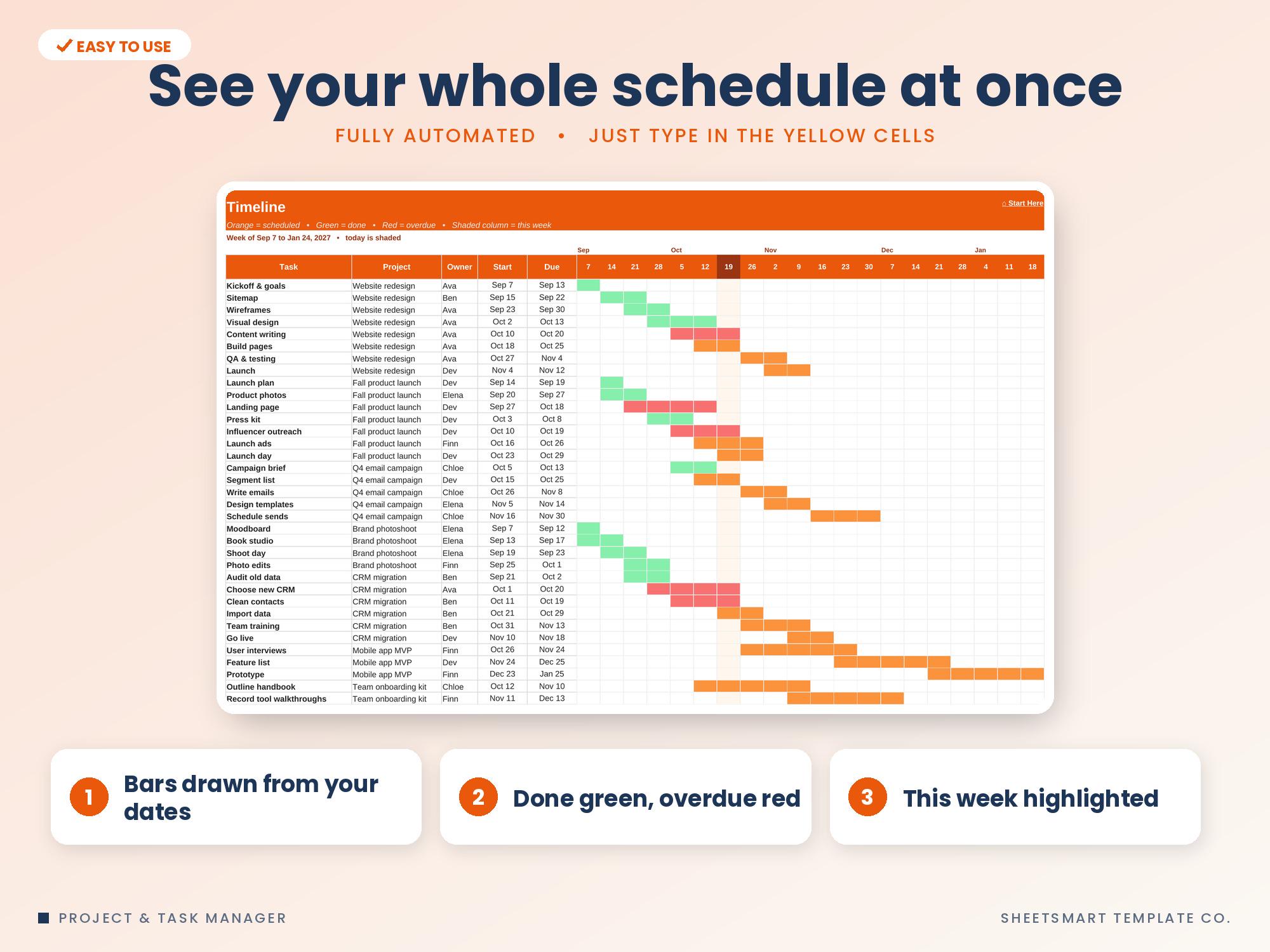
• Timeline: Gantt-style bars for the first 60 tasks across 20 weeks. Done shows green, overdue red, and this week is highlighted
• Status Board: task counts by status for every project, overdue count, hours left and done %
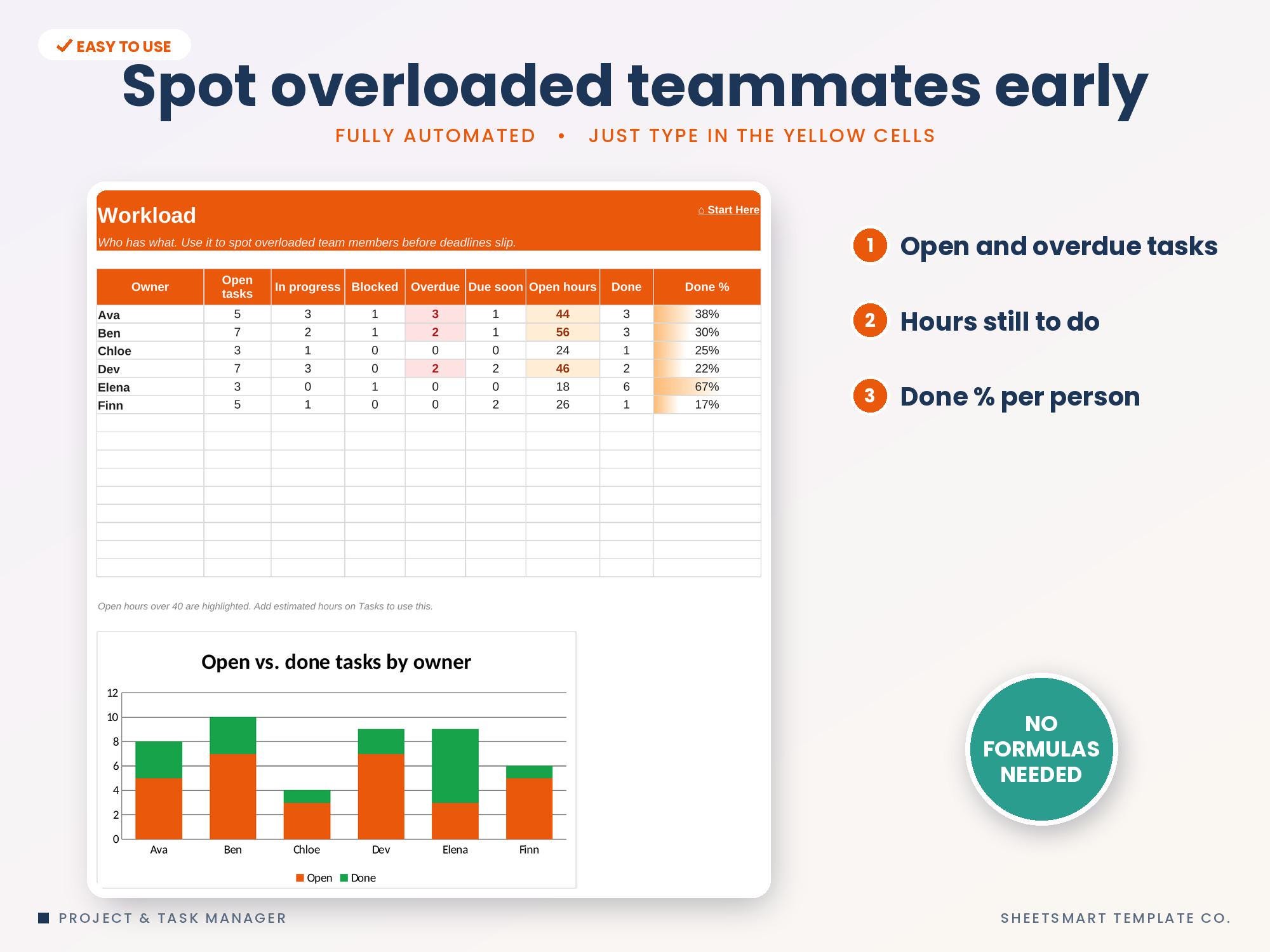
• Workload: open, in progress, blocked, overdue and due-soon tasks and open hours per person, with a chart
• Clickable Start Here page, Setup tab for team members, categories and timeline start, and sample data
★ PERFECT FOR ★
✓ Small teams and agencies
✓ Freelancers juggling several clients
✓ Marketing, product and event projects
✓ Anyone who wants a simple alternative to project software
★ COMPATIBILITY ★
• Microsoft Excel (desktop, Mac, web)
• Google Sheets (upload to Google Drive and open with Google Sheets)
• 2 files included: an Excel version + a Google Sheets edition
• Not designed for Apple Numbers
★ HOW IT WORKS ★
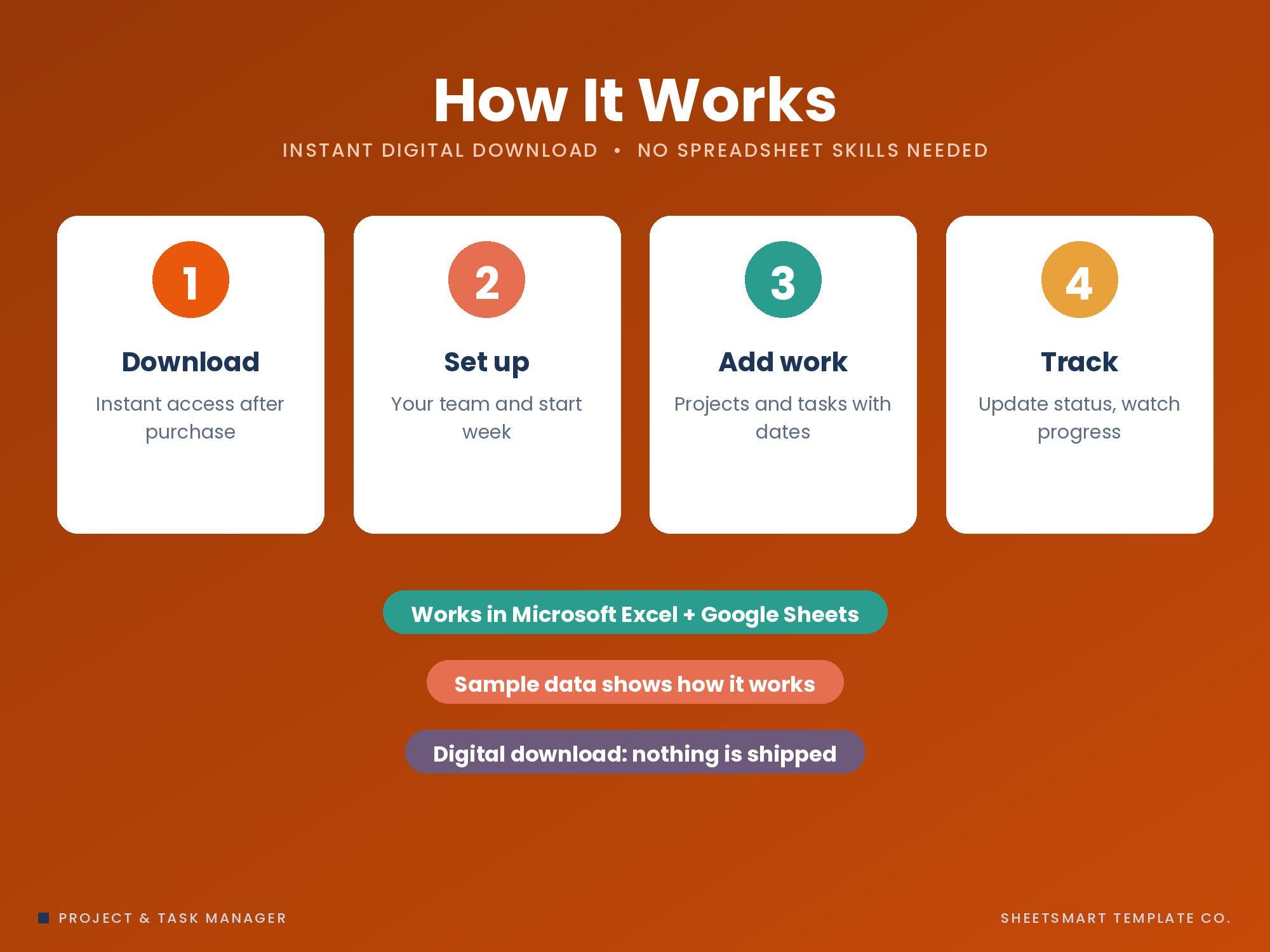
1. Add your team and the Monday your timeline starts on Setup
2. List your projects
3. Add tasks with owner, dates and priority
4. Update status as you go and check the Dashboard, Timeline and Workload
★ PLEASE NOTE ★
• This is a digital download. Nothing will be shipped.
• Because it's a digital file, returns aren't accepted, but if you have any trouble with the file, message me and I'll fix it or help you right away.
Free Monthly Budget Starter Kit
5 printable pages: a monthly budget sheet, a 12-month bill checklist and 3 savings-goal trackers. Free when you join the email list.
Get the free kit