Cash Envelope Budget Spreadsheet, Stuffing Tracker, Sinking Funds, Savings Challenge, Cash Stuffing Budget, Excel Google Sheets
$2.99 USD
Buy on EtsyInstant digital download for Microsoft Excel and Google Sheets. Checkout and delivery are handled securely by Etsy.
Cash Envelope Budget Spreadsheet for Microsoft Excel and Google Sheets, instant digital download. Love the cash envelope system but hate doing the math? This Cash Envelope Budget does it for you. Split every paycheck into envelopes, log what you spend, and always know exactly how much is left in each envelope, with leftover cash rolling over to next month.
✨ NOW INCLUDES 4 FILES: Excel + Google Sheets, each in a SAMPLE version (filled in so you can see exactly how it works) and a BLANK version (cleared and ready for your own info).
★ WHAT'S INCLUDED ★
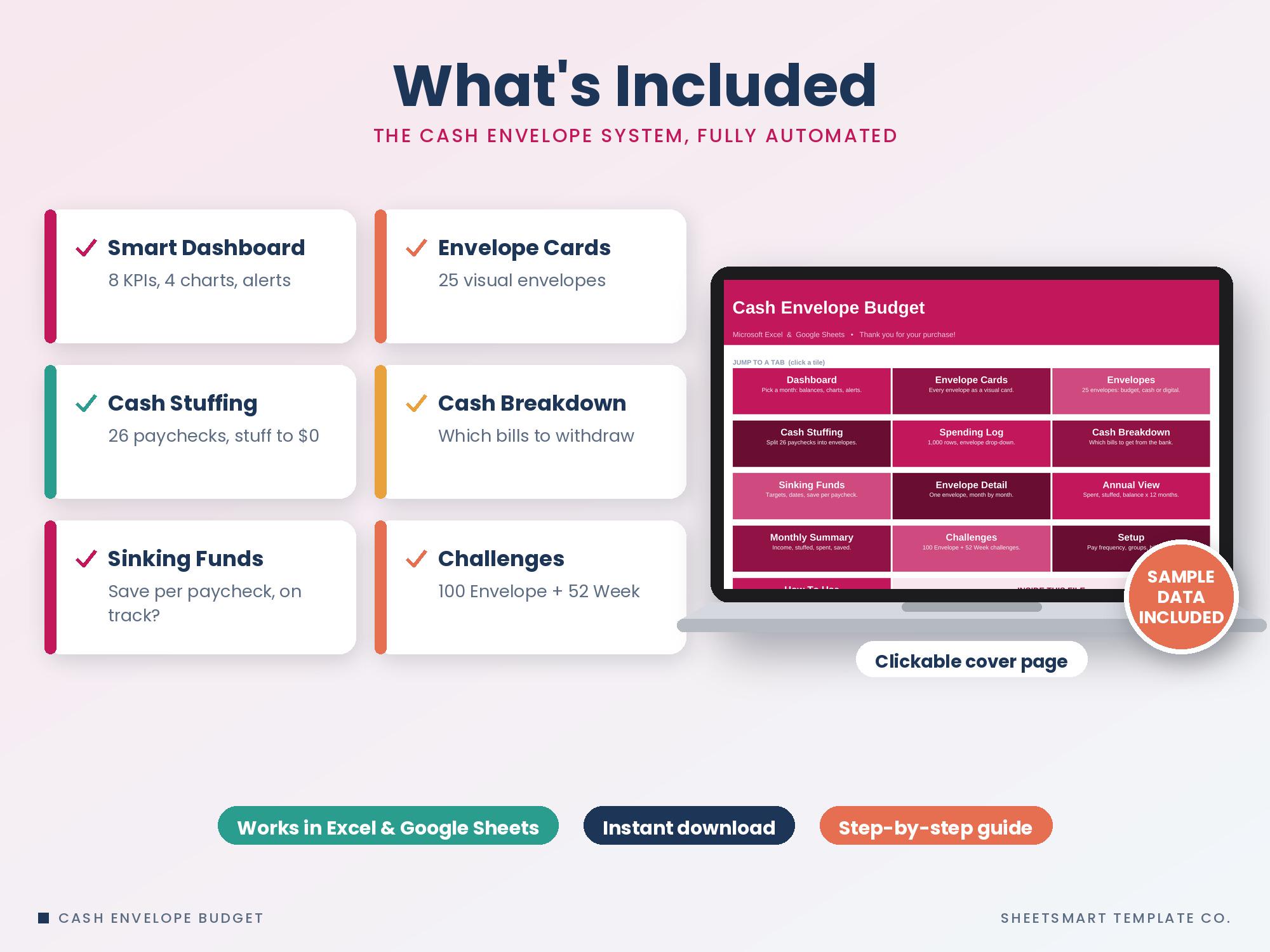
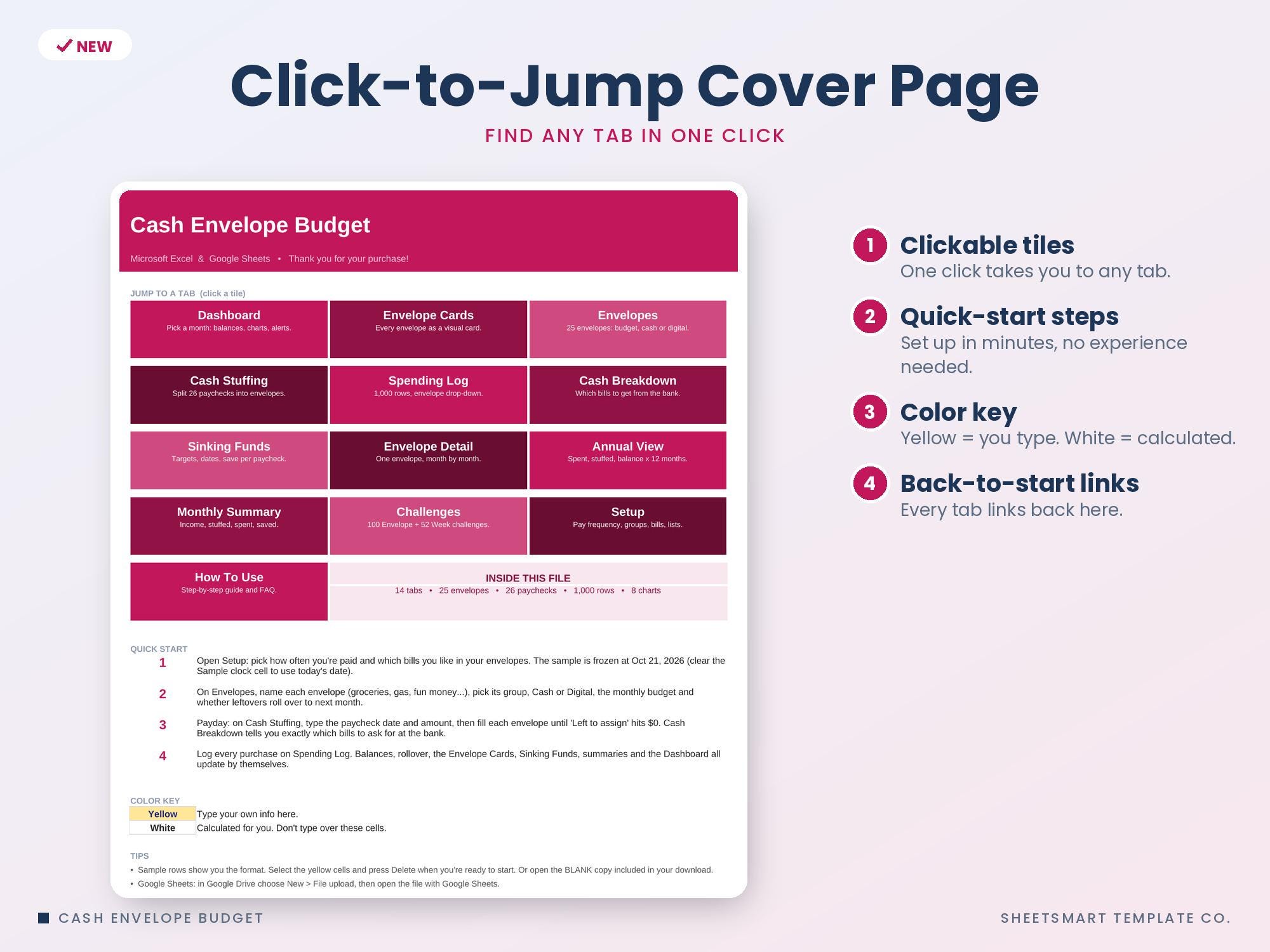
• Clickable Start Here cover page with quick-start steps and a color key
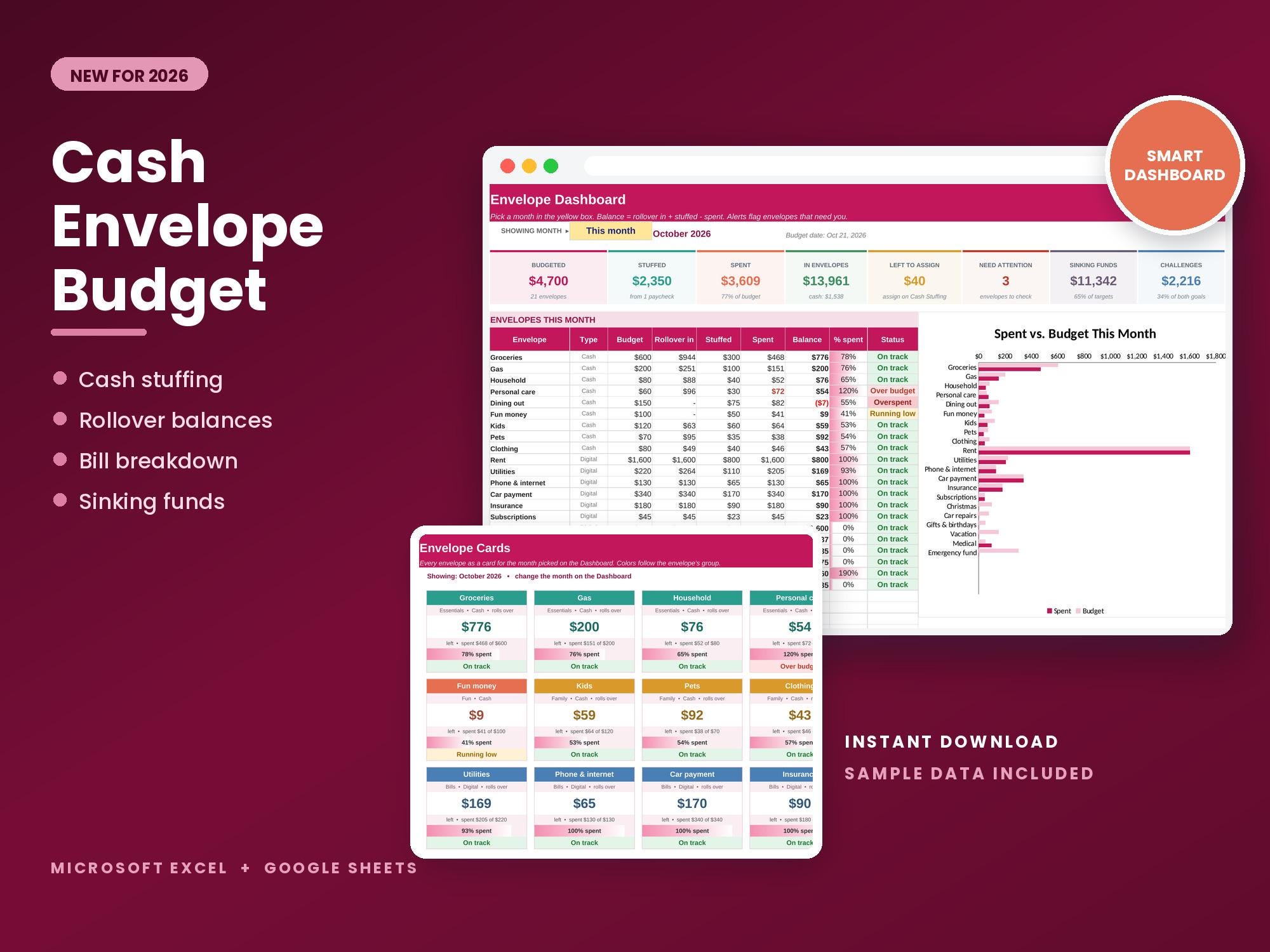
• Dashboard: pick any month to see 8 KPI tiles (budgeted, stuffed, spent, money in envelopes, left to assign, envelopes that need attention, sinking funds, challenges), every envelope's rollover, balance, % spent bar and status, a by-group breakdown and 4 automatic charts
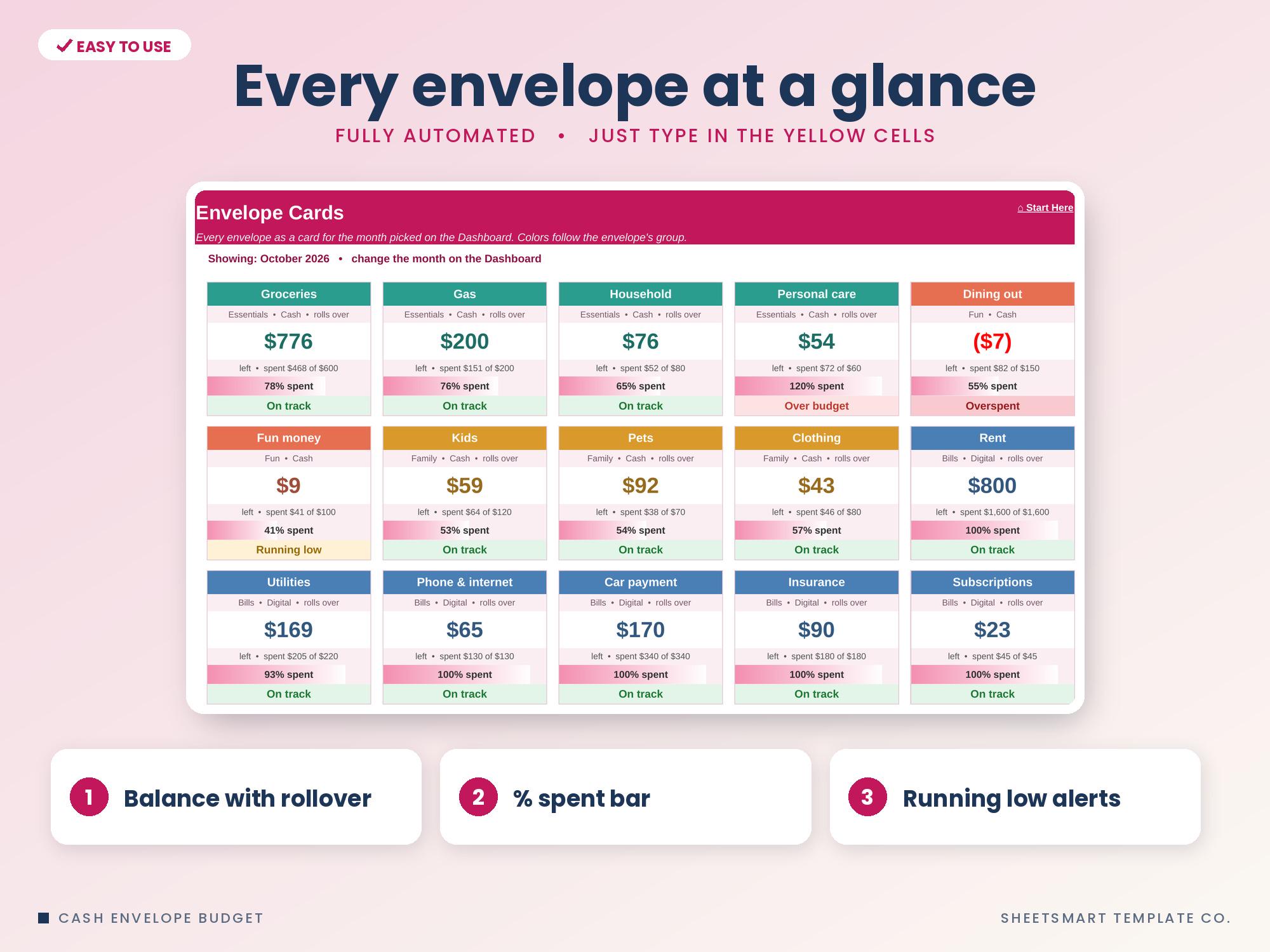
• Envelope Cards: all your envelopes as visual cards colored by group, with balance, spent vs. budget, a % spent bar and status
• Envelopes: up to 25 envelopes with group, cash or digital, monthly budget, rollover yes/no and starting balance. Stuff per paycheck, balance now, this month's spending, status and months over budget are worked out for you
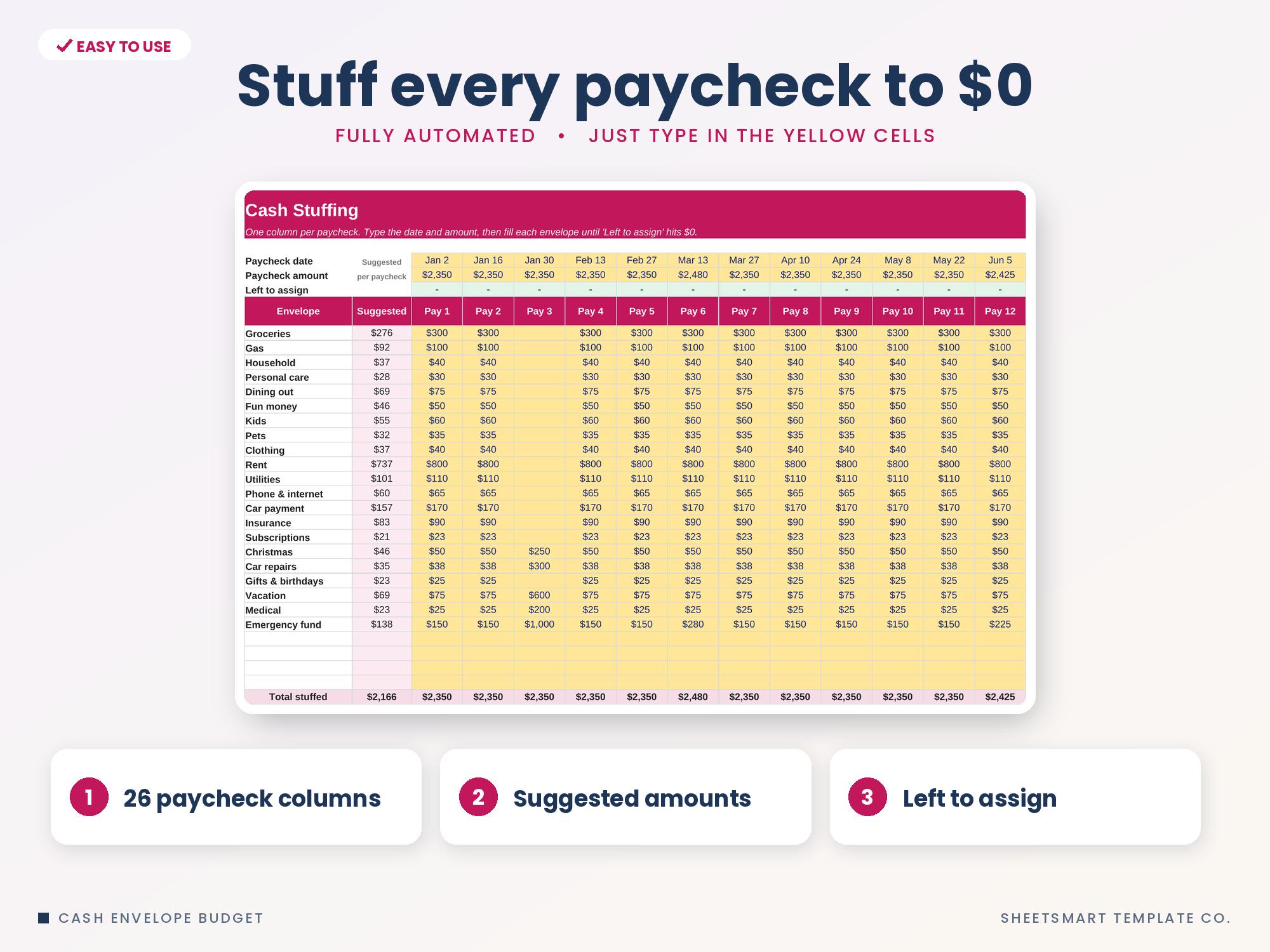
• Cash Stuffing: 26 paycheck columns with suggested amounts and a 'Left to assign' check so every dollar gets a job
• Spending Log: 1,000 rows with envelope drop-down, group, month and how much of the envelope's budget is used
• Cash Breakdown: how many of each bill to ask for at the bank for any paycheck, plus a bank withdrawal slip (you choose which bills to use)
• Sinking Funds: up to 12 saving envelopes with target, date, % funded, need per month and per paycheck, done-by date, status and a chart
• Envelope Detail: pick one envelope to see its month-by-month budget, stuffed, spent and balance, a chart and its latest purchases
• Annual View: spent, stuffed and end-of-month balance (with rollover) for every envelope, all 12 months
• Monthly Summary: income, stuffed, unassigned, cash vs. digital spending, saved, money in envelopes, leftovers and spending by group, with 2 charts
• Savings Challenges: 100 Envelope and 52 Week challenges with tick-off boxes and progress bars
• Setup: pay frequency, envelope groups, payment methods, bills to use and challenge amounts
• How To Use guide and FAQ
• 2 versions of each file: one with sample data to show how it works and one blank, ready to use
━━━━━━━━━━━━━━━━━━━━
📥 YOU WILL RECEIVE
━━━━━━━━━━━━━━━━━━━━
→ 4 files: Excel + Google Sheets, each in a SAMPLE version (filled in) and a BLANK version (ready for your info)
→ Clickable Start Here page with quick-start steps
→ Sample data already filled in, so you can see how it works
━━━━━━━━━━━━━━━━━━━━
💻 YOU WILL NEED
━━━━━━━━━━━━━━━━━━━━
1. Microsoft Excel (desktop or Microsoft 365) or a free Google account for Google Sheets
2. A computer for setup (phone and tablet work for quick updates)
━━━━━━━━━━━━━━━━━━━━
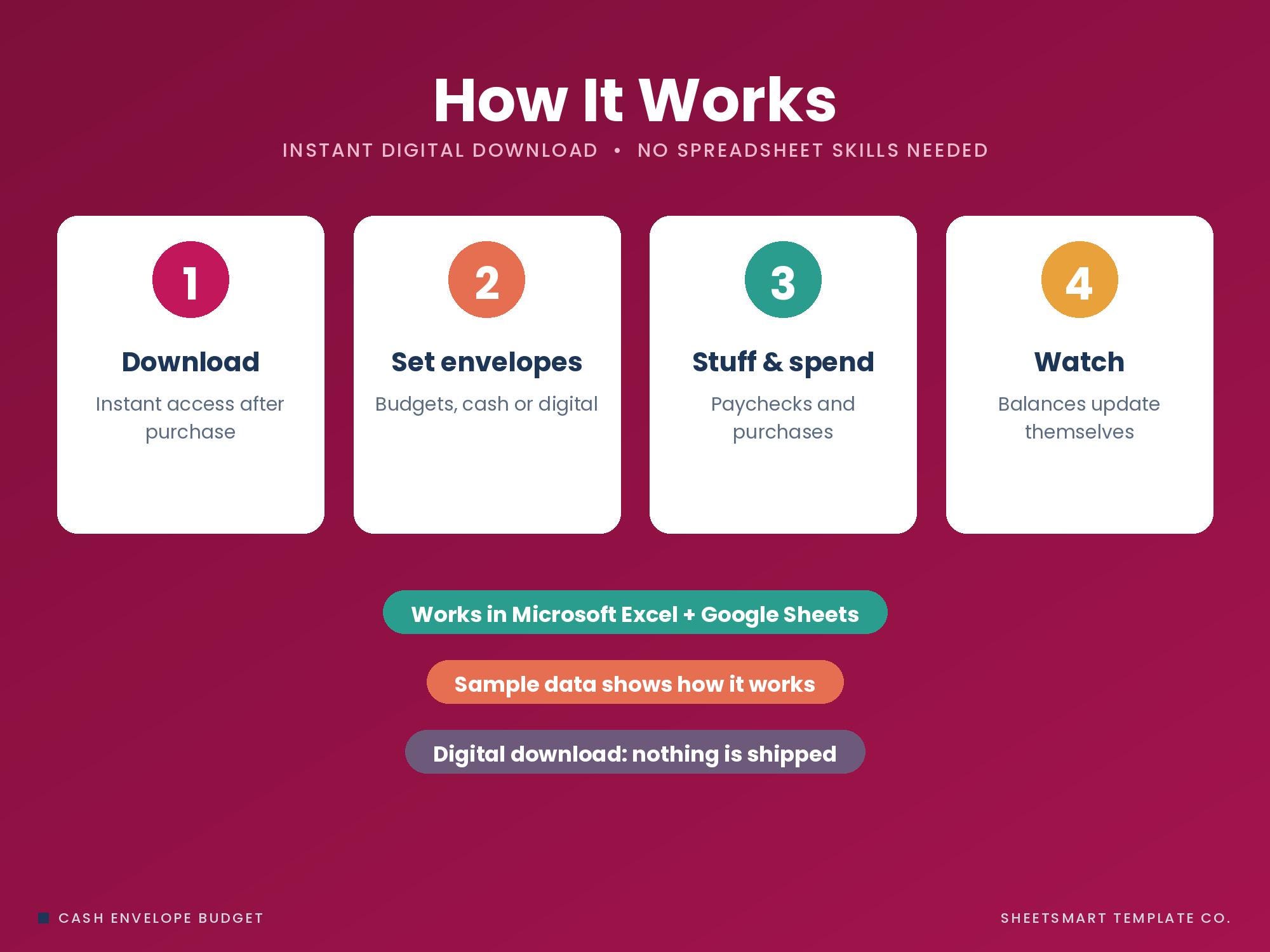
📝 HOW IT WORKS
Free Monthly Budget Starter Kit
5 printable pages: a monthly budget sheet, a 12-month bill checklist and 3 savings-goal trackers. Free when you join the email list.
Get the free kit